Notes · follow-ups · reminders
Remember everything. Follow up on time.
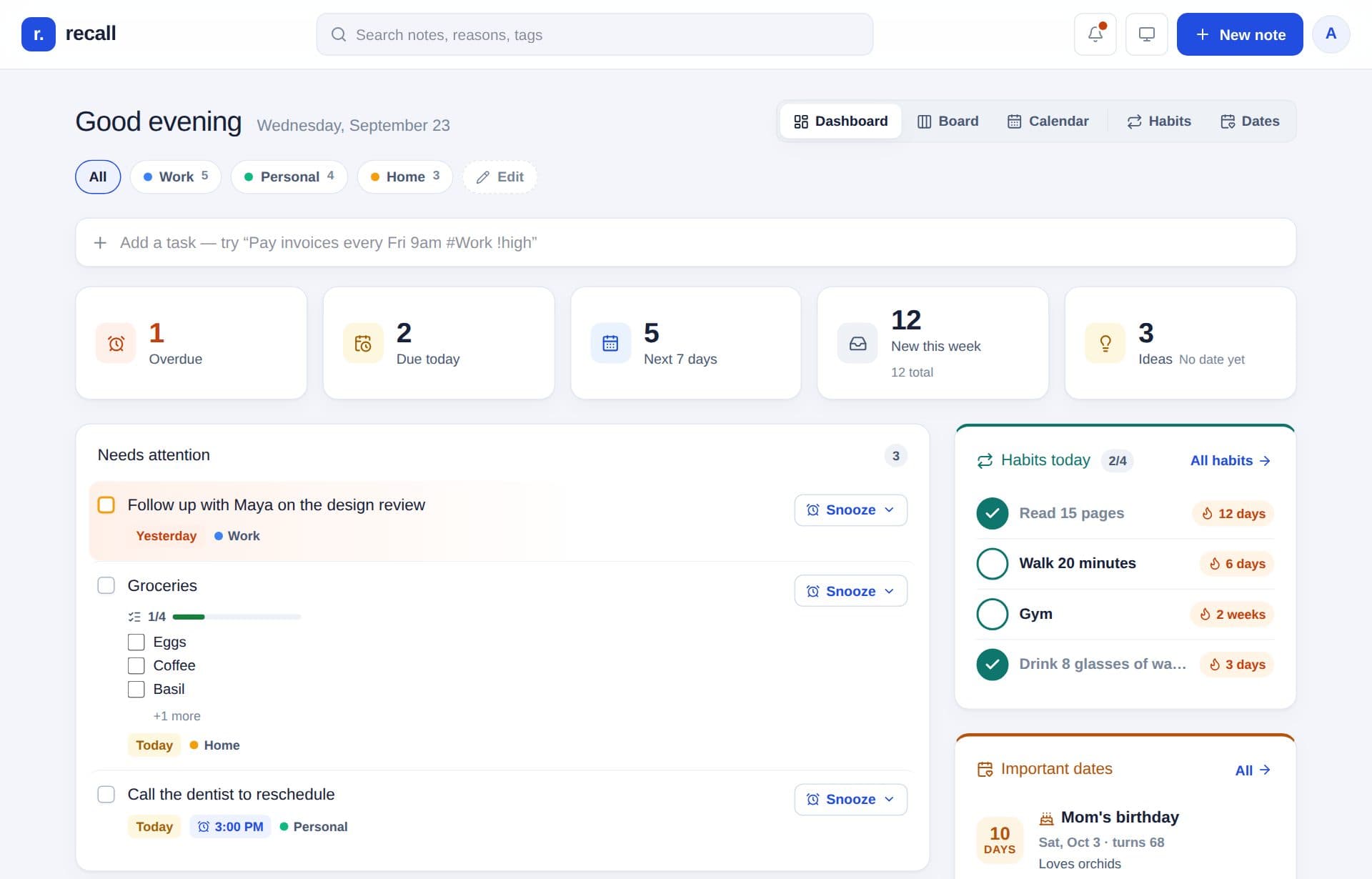
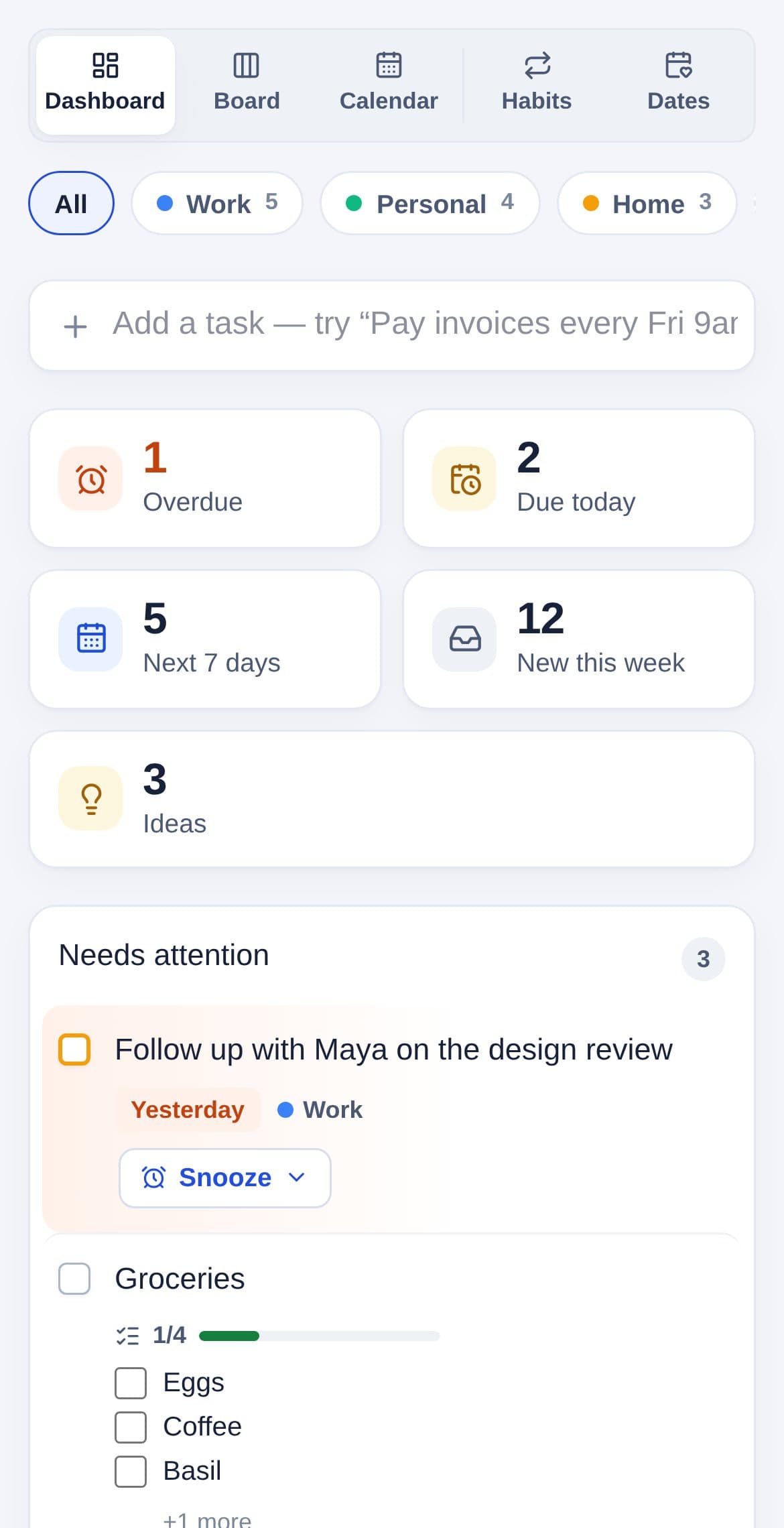
Recall turns quick notes into follow-ups, reminders, and a clear plan for today, so the things you mean to do actually get done.
Already have an account? Log in with a code we email you. New here? Recall is invite-only for now; open your invite link to create an account.
Type it the way you’d say it.
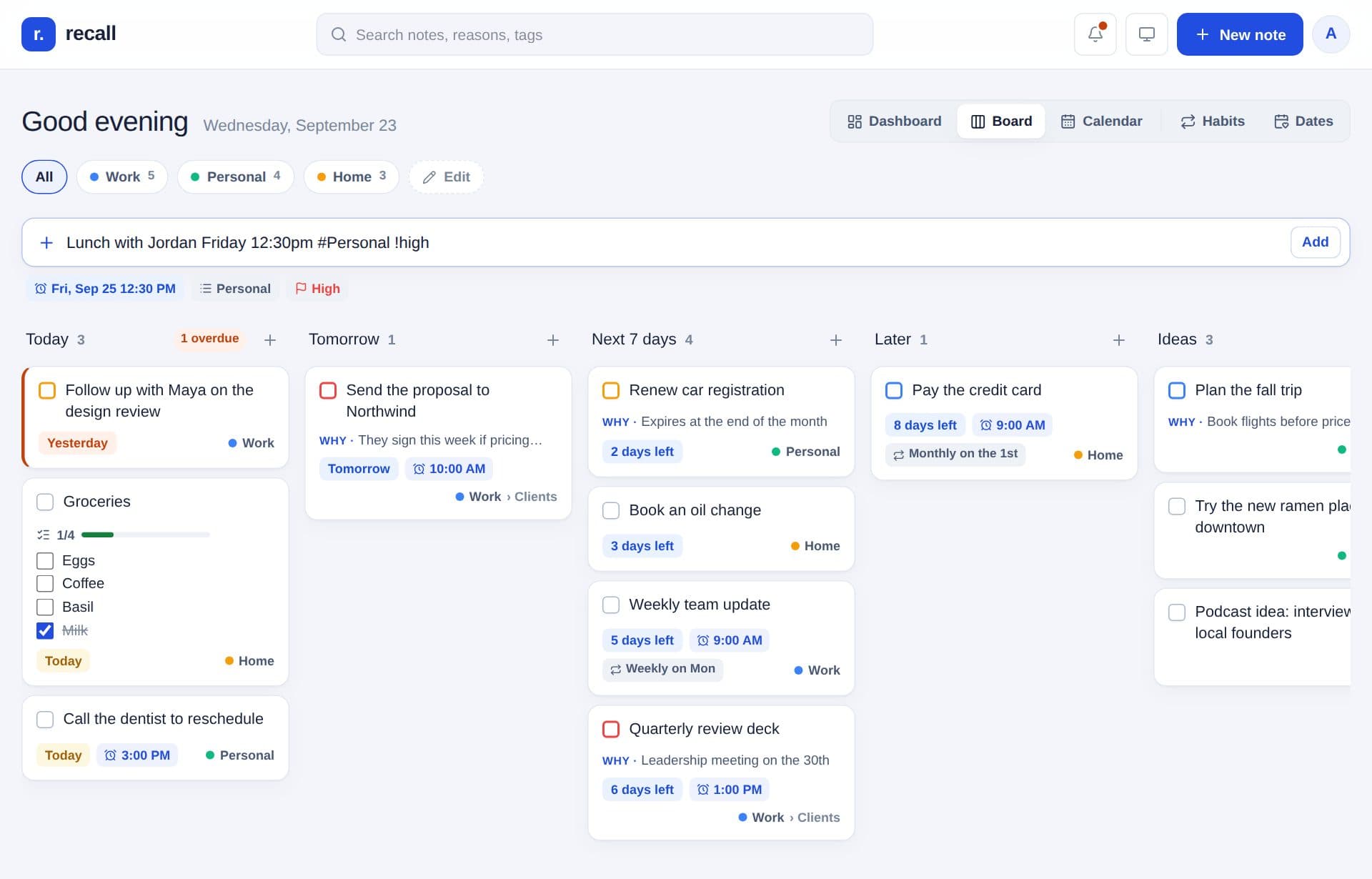
“Lunch with Jordan Friday 12:30pm #Personal !high” becomes a reminder, filed in the right place, at the right priority. Before you press Enter, you see exactly what Recall understood.
- Dates and times: “tomorrow at 3”, “next Tuesday”, “every Monday 9am”
- #Area and ~List to file it, !high to flag it
- “why:” saves the reason, so the note still makes sense next month
Follow-ups that come back to you.
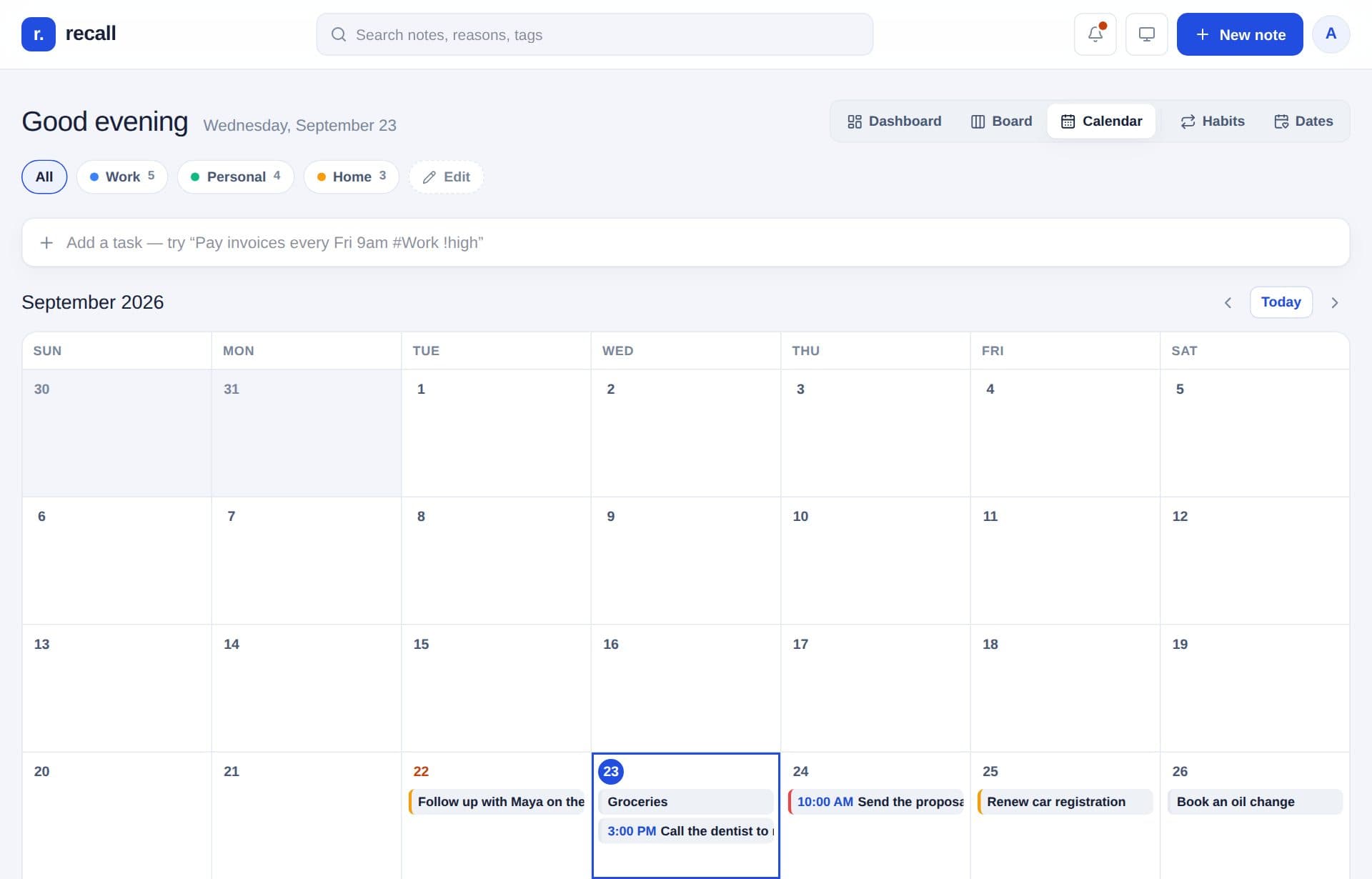
Give any note a day or a reminder, and it shows up when it matters. See today, tomorrow, and the week ahead on a board or a calendar. Snooze it, drag it to another day, or check it off.
- Reminders on your phone, right on time
- A morning email of what’s due, only on days something is
- Repeats like “every Tuesday” or “the 1st of every month”
Habits worth keeping.
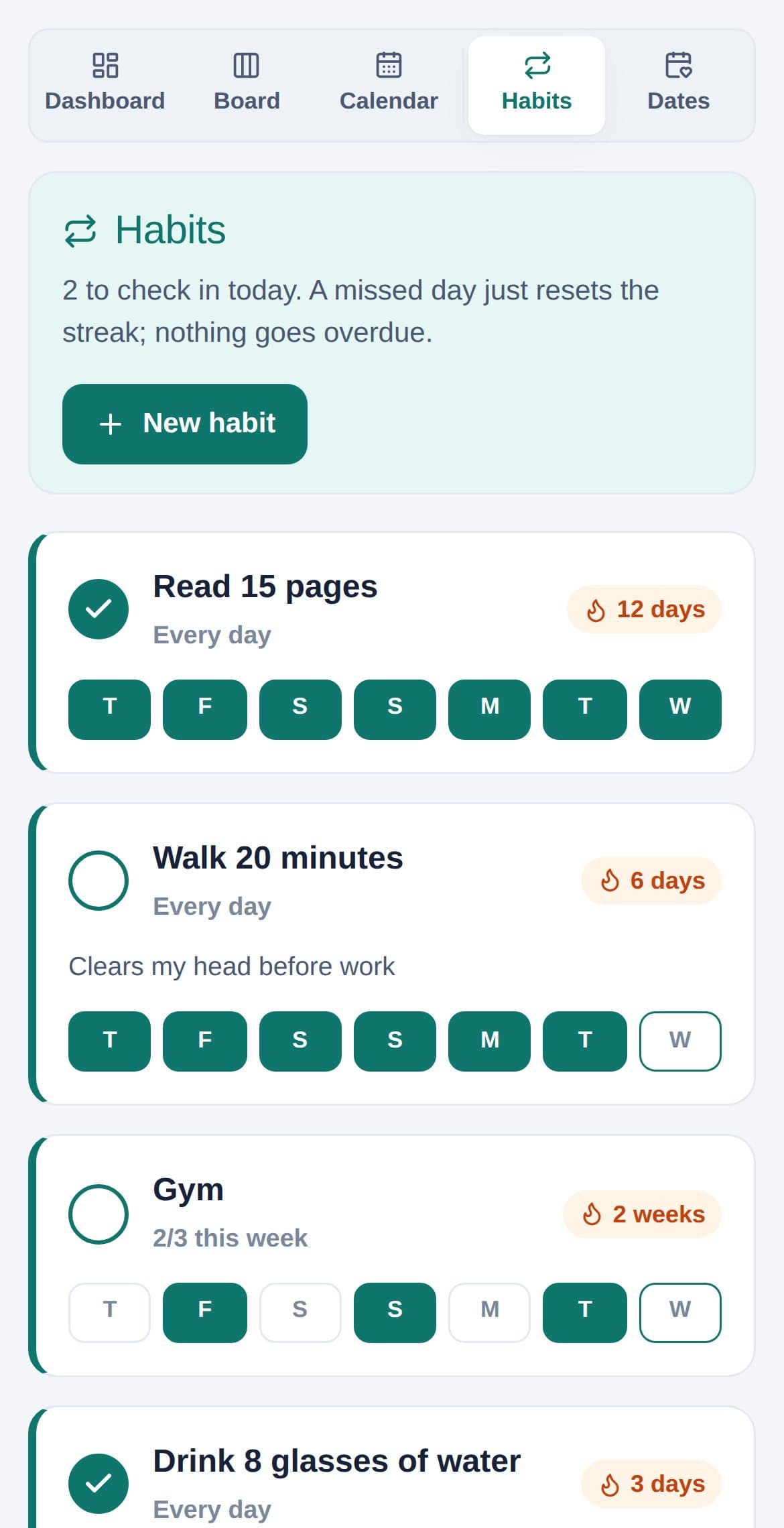
Every day, certain days, or a few times a week. Check in, build a streak. Miss a day and nothing goes overdue; you just start again.
Never miss a birthday.
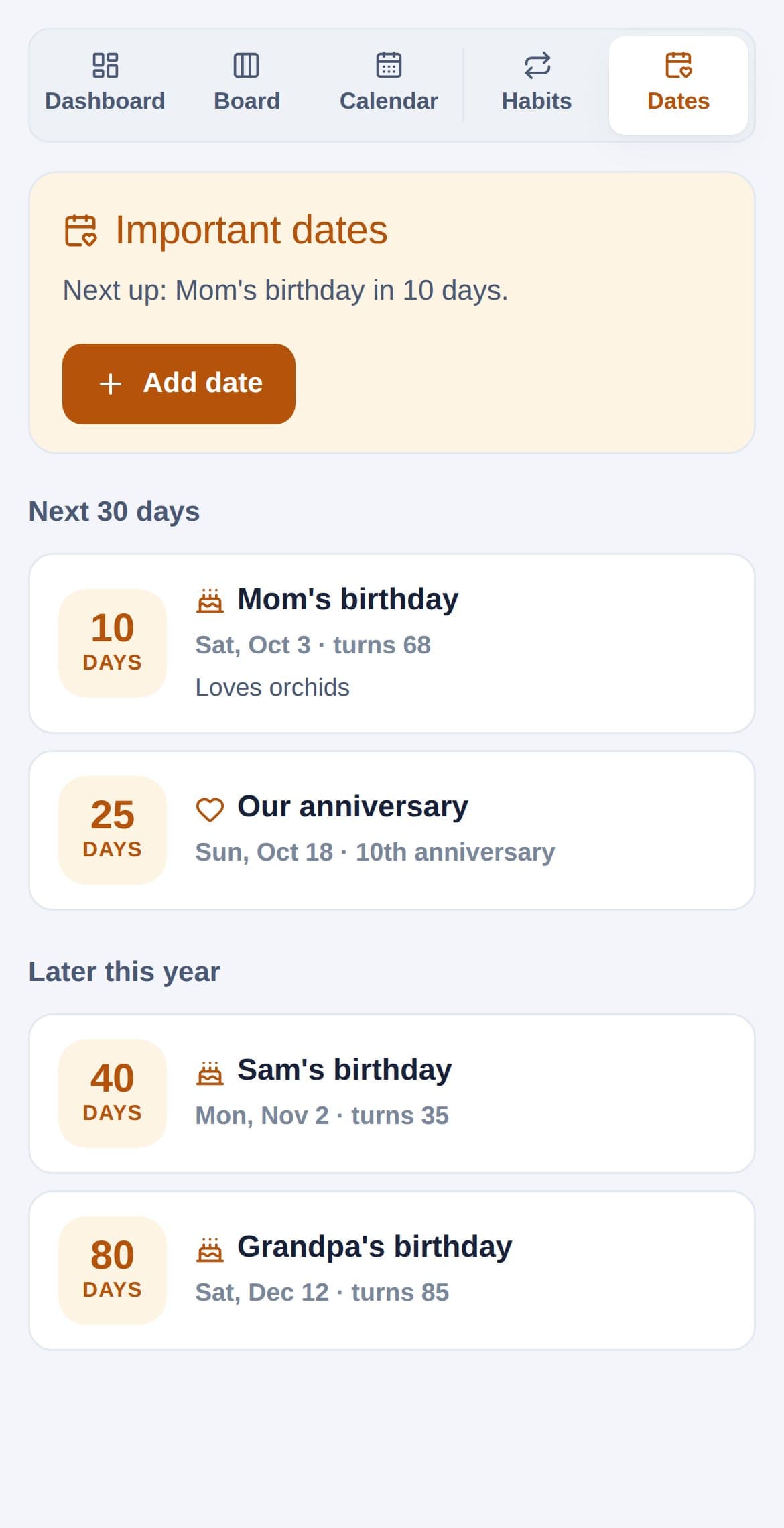
Birthdays and anniversaries, counted down every year, with a nudge a week before and a place for gift ideas.
Everything in one place.
Areas & lists
Work, home, a side project: each with its own lists.
Checklists & subtasks
Break things down and tick them off in place.
Remember why
Save the reason with the note, so future you has context.
Priorities
High, medium, low, and the important things rise to the top.
Bring your tasks
Import from TickTick, with lists, repeats, and reminders.
On your phone
Add it to your Home Screen for an app-like experience.
Light & dark
Easy on the eyes, morning or night.
Private by default
Your notebook is yours. Nobody else can see it.
Ready when you are.
Log inNew to Recall? It’s invite-only for now. Ask someone who uses Recall for an invite link.